How an ADHD Coach Reclaimed 90 Minutes a Week — Without Touching a Single Reminder

There's a particular kind of anxiety that hits ADHD entrepreneurs late at night.
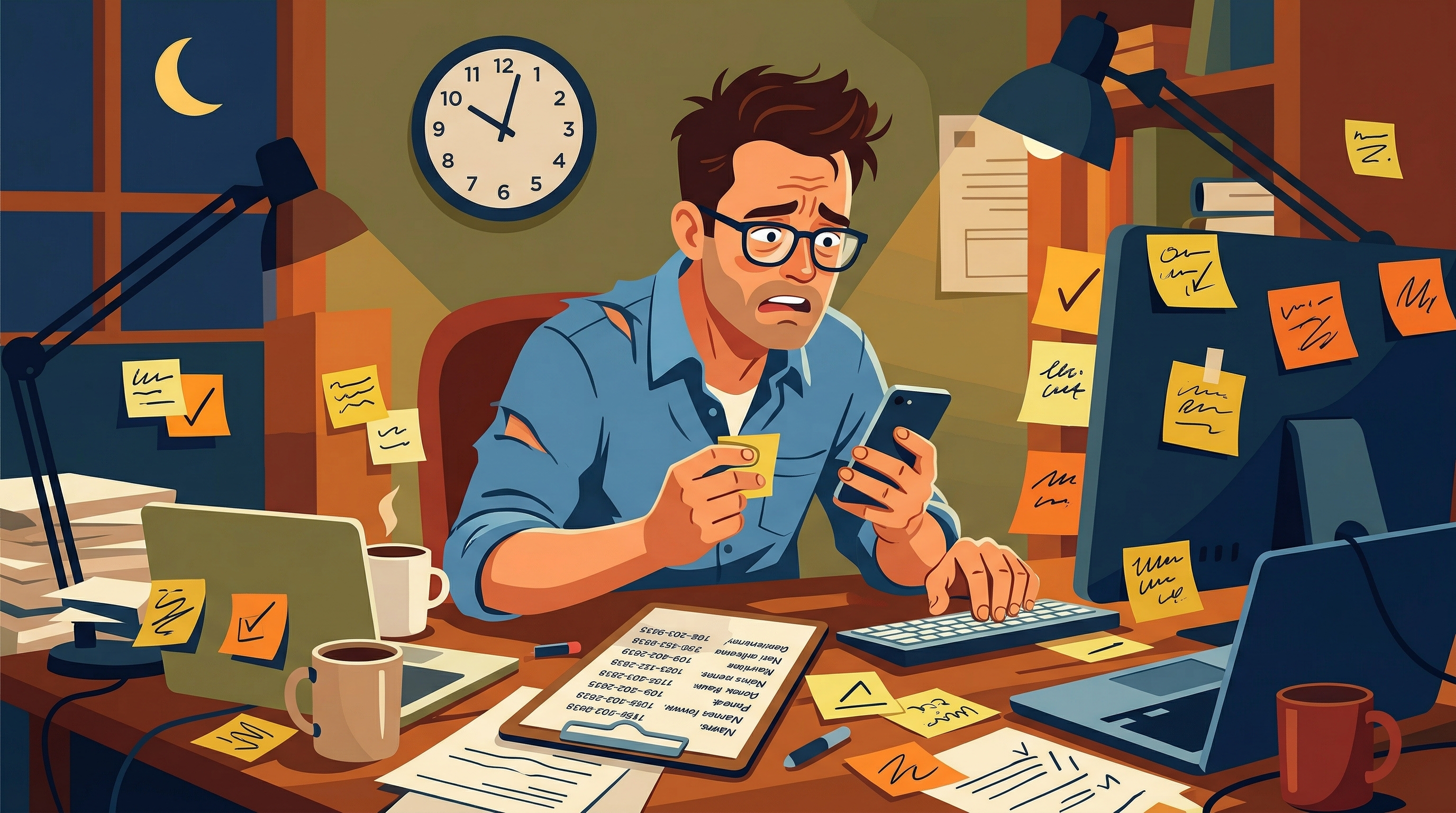
You're finally winding down after a full day of client sessions, emails, and whatever fires needed putting out — and then, somewhere between your pillow and unconsciousness, your brain fires off a reminder: Did I text so-and-so about their session tomorrow? Your brain, ever helpful, has decided that 11:43 PM is the ideal time to audit your administrative loose ends.
Chelsey Summers knows that feeling well. As the owner of Summers ADHD Coaching she has spent years manually sending session reminders to every client before each appointment — day before, hour before, 15 to 20 clients at a time. It was the definition of a task that ate time, created mental overhead, and could never fully leave her mind.
We fixed that. Here's how.
The Before: 1.5 Hours a Week, Plus the Mental Weight
Chelsey's reminder process wasn't complicated. That was part of the problem.
Each reminder required her to check the calendar, confirm the time zone, compose a personalized text, wait for a reply, and log the confirmation. Repeat for every client. Repeat again an hour before each session. With 20–25 active clients, that added up to roughly 1.5 hours per week — time she could spend on literally anything else.
But the real cost wasn't the time. It was the mental load.
"It created a lot of mental stress," Chelsey told me when I asked her to reflect on the before-state. "I would have to remember to message each client the day before their session — and that was just one more thing I had to do each day on top of all the other administrative tasks."
She described lying in bed after a long day and jolting awake thinking she'd forgotten to text a client about the next morning. Anyone who's run a service business will recognize that feeling. The task itself is small. The cognitive drag it creates is not.
The Solution: A Workflow That Never Forgets
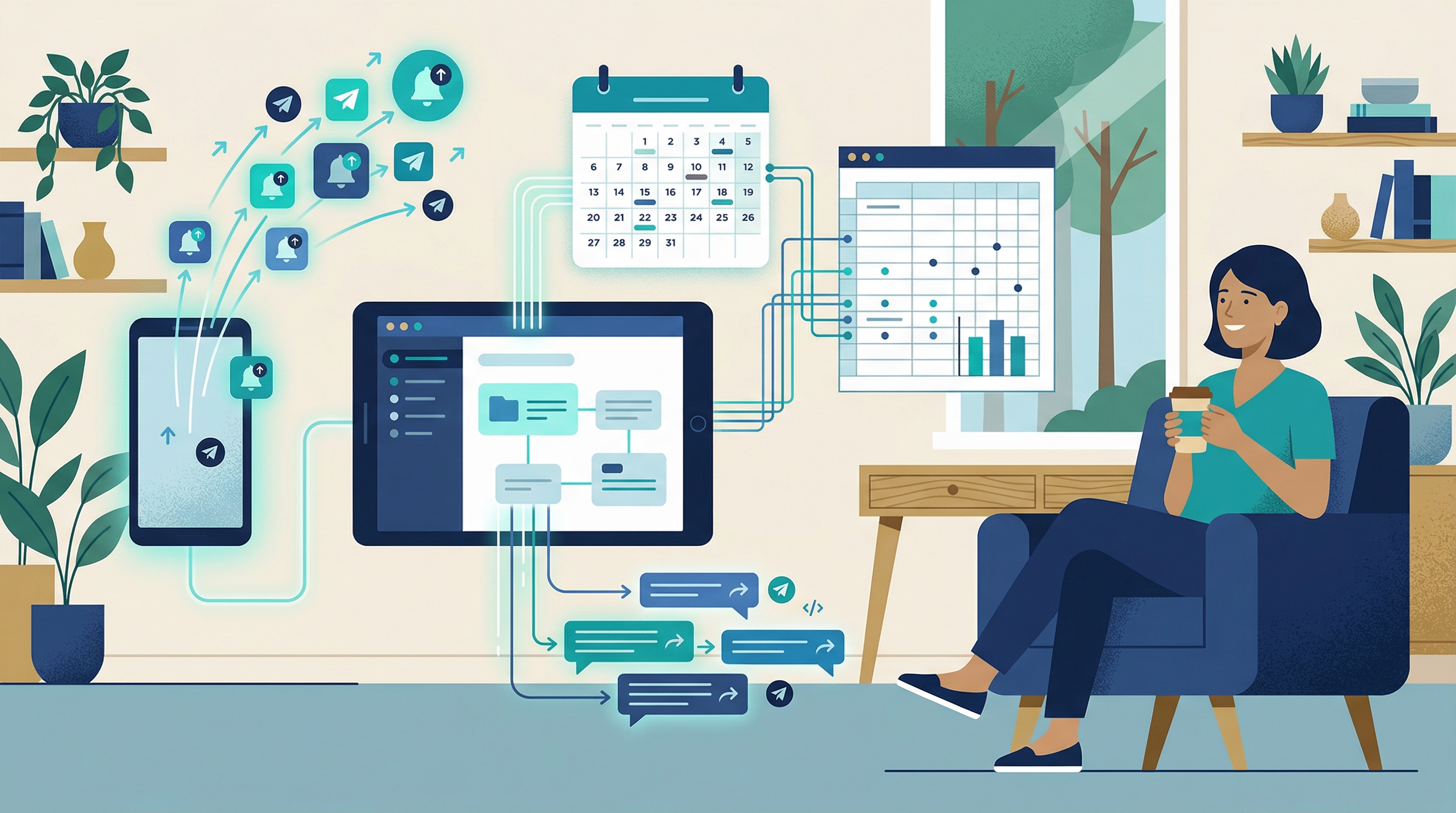
The system runs once an hour. It never forgets. Here's what it checks — Chelsey's Google Calendar and her client list in a Google Sheet.
Every time it runs, it does two things:
- Looks for sessions happening 24 hours from now — and sends a reminder to any client scheduled for tomorrow
- Looks for sessions happening 1 hour from now — and sends a reminder to anyone with an appointment coming up shortly
Each client in the sheet has their own preferences on file: email, SMS, or both. The automation respects those choices. Clients who opted into text messages receive one. Clients on email-only get a message in their inbox. No one gets contacted in a way they didn't ask for.
The whole thing connects three tools Chelsey already had: Google Calendar, Google Sheets, and email. SMS was a small add-on that made a big difference — as Chelsey put it, "people are more likely to see their phone reminder instead of the email reminder."
Total infrastructure cost: around $5/month in SMS credits. Less than a large coffee, but significantly more useful.
The Audit Trail Nobody Expects to Need
One feature that's easy to overlook — until you need it — is the reminder log.
Every time the automation fires, it writes a record to a log tab in Chelsey's Google Sheet: who was contacted, what method (email/SMS), what type of reminder (24-hour or 1-hour), and whether it succeeded or failed. It just sits there, quietly doing nothing, right up until the moment it becomes very important.
Occasionally, a client will claim they never received a reminder. With the log in place, Chelsey can verify exactly what was sent, when, and how. No second-guessing, no awkward back-and-forth — just a clear record.
This happened at least once since the system went live. Without the log, that would have been a he-said/she-said situation. With it, Chelsey had documentation she could point to in seconds.
The Results
When I asked Chelsey which of her three active automations saves the most time, she didn't hesitate: session reminders.
"Due to the increase in clients," she said, "manually sending two reminders per session would be physically impossible at this point."
The numbers bear that out. At 20–25 clients, each receiving two reminders, that's 40–50 individual reminder touchpoints per week. Doing that manually — correctly, on time, with proper time zone conversions — isn't just inconvenient, it's a part-time job nobody was hired for.
The stat I keep coming back to is the one that doesn't show up in a time-savings calculation: Chelsey now falls asleep without thinking about missed reminders. That's not a trivial thing. For a solo business owner managing a full client roster, that cognitive quiet is real value.
And what has she done with the recovered bandwidth? She's making progress on a group coaching program that had been sitting as "just an idea" for a long time — something she never had the time or mental energy to develop before.
That's what good automation actually looks like. Not a magical transformation, just more room to do the work that matters.
What Chelsey Says

I think adding automations is a prime example of 'reducing friction,' which is a concept I discuss in my coaching framework. To any coach considering automations for their business, I'd say: do it. You won't regret it.
— Chelsey Summers, M.S., CCC-SLP, ADHD-RSP, Owner & Executive Function Specialist, Summers ADHD Coaching
Could This Work for Your Business?
Chelsey's situation isn't unique. If you're running a coaching or services practice with 10+ clients, you probably have 2-3 of these exact same time-drains. Session reminders are one of the most straightforward automation wins out there — but the pattern applies to anything where you're manually sending repetitive, time-triggered messages: appointment confirmations, follow-ups, renewal notices, check-ins.
If you're spending time each week on work a system could handle, we should talk. The AI Readiness Audit is a $500 engagement where we look at your current workflow, identify where automation actually makes sense, and give you a clear path forward — whether you want to build it yourself or hand it off.
No hype. Just the honest assessment of where your time is going and what it would take to get some of it back.
Keith Stewart
Software engineer with 15 years experience specializing in automation for solopreneurs and coaching practices
Serial entrepreneur running multiple ventures. Personal experience with ADHD gives unique insights into workflow challenges and automation solutions.